

Replace
<MCP_URL> with the MCP URL and <CLIENT_ID> with the Client ID — see
URL & Client ID. Use the callback port 53612 where applicable.Claude Code
Add with the CLI:Codex
Install from the Codex desktop app — Firmable is a verified plugin, so no MCP URL or Client ID is required, just sign in:1
Find Firmable
In the Codex desktop app, open Plugins from the sidebar, search for 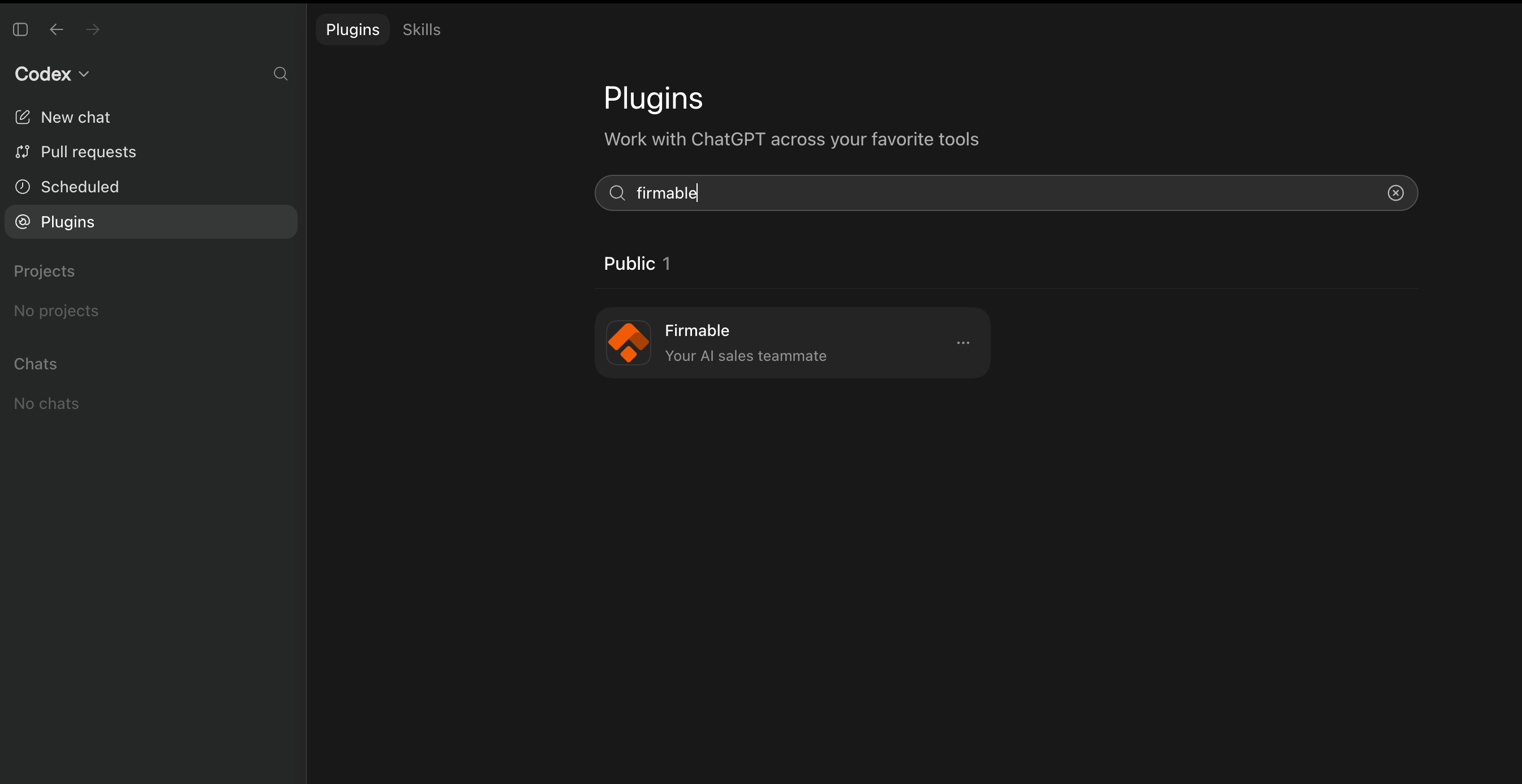
firmable, then click
Firmable under Public to open it.2
Install the plugin
On the Firmable page, click Install plugin.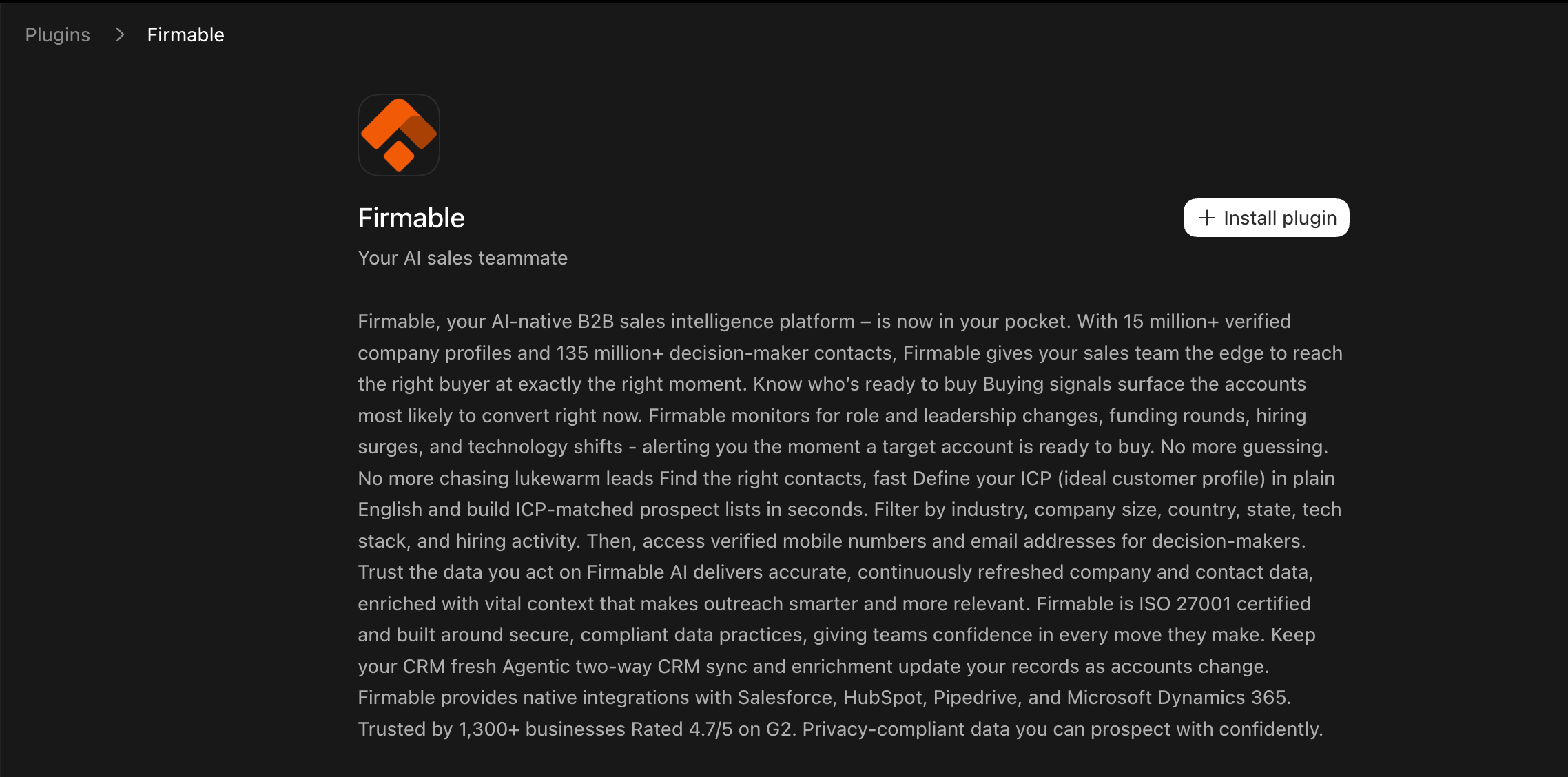
3
Connect Firmable
In the Connect Firmable dialog, review the data-sharing notice and click Continue to Firmable.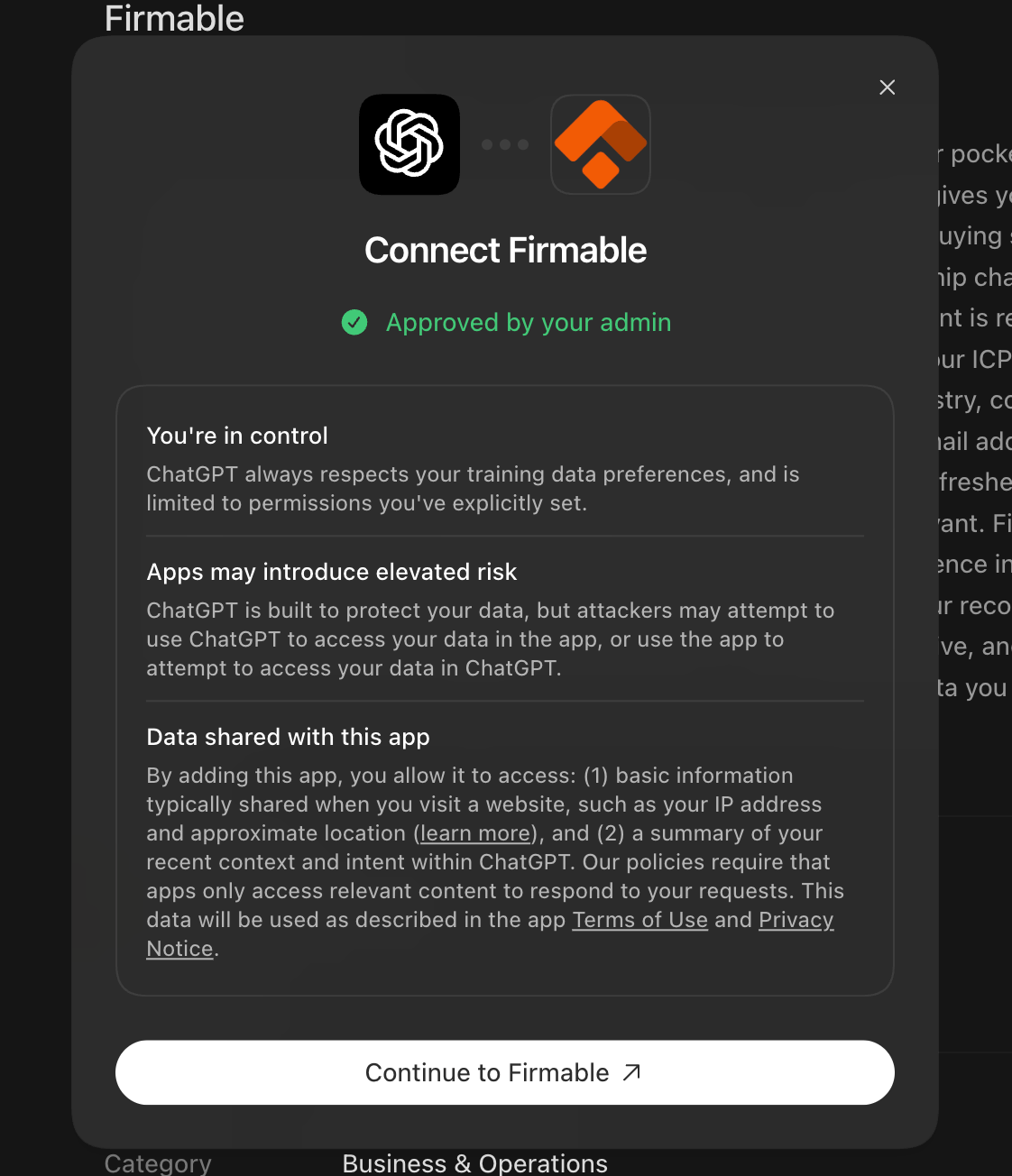
4
Sign in to finish
Follow the remaining prompts to sign in with Firmable and authorize access. Once connected,
Firmable is available to use in Codex.
Cursor
Add to~/.cursor/mcp.json:
VS Code
Add to.vscode/mcp.json in your workspace (or your user config via MCP: Open User Configuration):
Windsurf
Add to~/.codeium/windsurf/mcp_config.json: